Department 01 · Software and Tools
Software and Tools
Guides to the software side of the Mac: database clients, task scheduling, automation and the business tools a small outfit actually uses.

On this page
The software shelf of this magazine covers the programs a working Mac actually runs: the database client that earns its keep, the scheduler that runs the nightly job, the automation that spares a repeated hour, and the business software that keeps a small outfit compliant. Every guide in this section is written for people who use a Mac to get something else done, not for people who enjoy configuring computers for its own sake. The premise throughout is that software choice is a small decision with long consequences, because the tool becomes the place where hours of work live. The guides are unhurried for a plain reason: a program that will be opened four hundred times a year deserves a longer look than a page that is read once.
What sits in this section
There are five guides at launch. Choosing a Database Client for Your Mac walks through the criteria that matter when you connect to SQL engines day after day: which databases the client speaks, whether it feels native on macOS, how it handles query history and results, and what the price model hides. Its advice is testable in an afternoon: run each candidate against a copy of your own database rather than a tidy sample, because a client that behaves on toy data says little about the one that pays the bills. SyBrowser and the Mac Database Browser is a retrospective of the SQL browser that was published from this very domain from 1999, and what its two decade run says about the category. MacAT and Scheduled Tasks on a Mac does the same for scheduling: what the classic Mac servers used before launchd, and how the job is done now with the tools Apple ships.
Where automation fits
The two remaining guides cover the work around the tools. Automating Everyday Work on a Mac sorts the native options, from Shortcuts and Automator to folder actions and a restrained dose of AppleScript, by the job each one suits, and shows how a first automation is best grown rather than built at once. A first job makes the point: the scanner drops every receipt into one folder under a name like scan_0142.pdf, and a folder action renames each file to its date and payee before anyone has gone looking for it. Ten seconds a document is a small number that a working year turns into an afternoon. Documenting Workplace Safety With Software looks at how small Australian businesses keep procedures, hazard registers and incident logs in software instead of a paper folder, a category with its own history on this domain through the Risky Business SOS register. Together they cover the habit that separates a maintained Mac from a messy one: the boring steps happen once, then run themselves.
Why the categories are old friends
Database browsers, schedulers and automation tools are not new categories. They were the bread and butter of the small Mac software houses of the late 1990s and the 2000s, the shareware publishers who shipped by download, registered buyers by mail and card, and answered their own support mail at night. The tools have changed names and moved to subscription pricing, but the questions a buyer asks have barely moved: does it connect to what I run, will it still open in five years, and can I get my data out. The guides here ask those questions plainly, and the heritage section tells the era they came from.
The mechanics of the old world explain why the questions have not moved. A buyer posted a cheque to a Berkeley service called Kagi, which took its percentage, passed the rest to the author and returned a registration code that switched off the nag screens; the fee was set by the author's sense of a fair ask, and the whole arrangement ran on conscience rather than a licence server. When that world ended, it ended abruptly, and the tools people still remember are the ones that had answered the same three questions well enough to be missed. That is the standard these guides hold modern candidates to.
How this section will grow
The launch five will not stay alone. The same discipline applies to every category a working Mac accumulates: the editor a writer lives in, the email client an office argues about, the invoicing and accounting software a sole trader trusts with the books, the version control tools that crept from programming into everything else. As guides are added, the rule holds that criteria come before products, and that a guide earns its place by being the page a reader can trust on a Tuesday, not the page a vendor would enjoy on a Friday. The order will follow the mail rather than a roadmap: a category that three readers ask about within a month moves up the queue. Readers who want to suggest a category can write in from the contact page; story suggestions are read with real appetite.
How these guides are written
Each guide names the criteria before the products, because products change and criteria age slowly. Prices, where the history of this domain is concerned, are quoted as facts of their era and not as offers. Where a modern tool is described, the description sticks to what the tool does and what it costs to run it, so the reader can weigh the trade without a sales pitch. One question has joined the old list, and every modern entry is asked it: does the tool still run on the Mac you own now, a check the move to Apple silicon turned from a rare worry into a routine step, and one no 1999 catalogue ever had to think about. Nothing in this magazine is sponsored, the section accepts no placement, and no affiliate link hides inside a recommendation.
Where to start
If a database is part of your week, start with the database client guide and let the SyBrowser story add the history. If your Mac feels like a workshop rather than an office, read the automation guide first, then the scheduling retrospective. And if you look after safety paperwork for a small team, the safety register guide stands on its own. The companion section The Workshop covers the machine itself: Terminal basics, the slow Mac checklist and backups, the three guides that keep the hardware out of trouble while the software earns its keep.
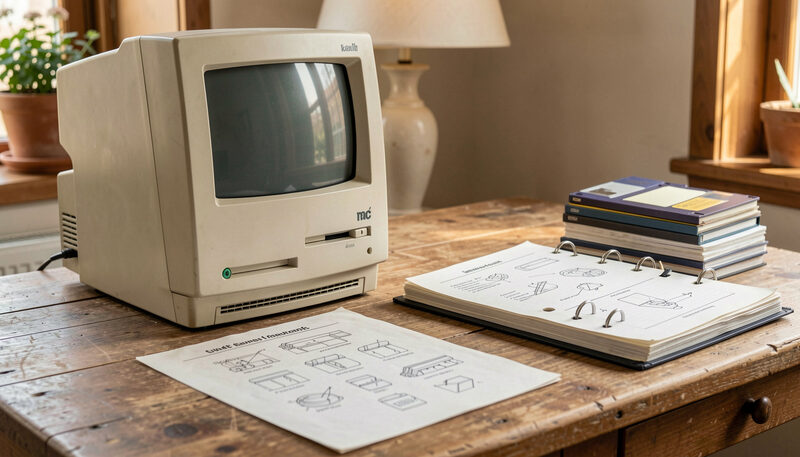
Software and Tools
SyBrowser and the Mac Database Browser
A look back at SyBrowser, the Mac SQL browser published here from 1999, and what the database client category looks like on macOS today.
Twenty years of Mac SQL browsing, from 1999.

Software and Tools
MacAT and Scheduled Tasks on a Mac
MacAT brought cron-style scheduling to classic Mac servers. Here is what it did, and how launchd, Automator and Shortcuts do the job now.
Cron-style scheduling for classic Mac servers.
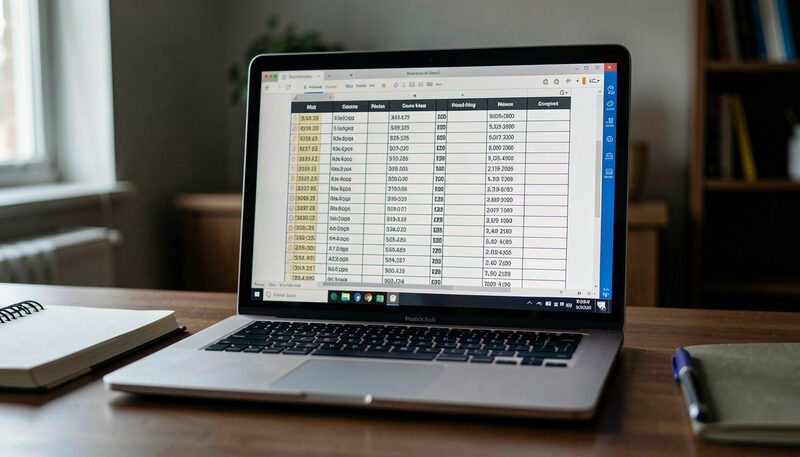
Software and Tools
Choosing a Database Client for Your Mac
How to pick a SQL client on macOS: which databases it must speak, native feel versus cross-platform, and the features that matter daily.
Engines, native feel, and the price arithmetic.

Software and Tools
Automating Everyday Work on a Mac
From folder actions to Shortcuts and a little AppleScript: the sane ways to make a Mac repeat the boring steps for you.
Shortcuts, Automator, AppleScript and the shell, each to its job.

Software and Tools
Documenting Workplace Safety With Software
How small Australian businesses keep safety procedures, hazard registers and incident logs in software instead of a paper folder.
Procedures, hazards, incidents and training, linked.